


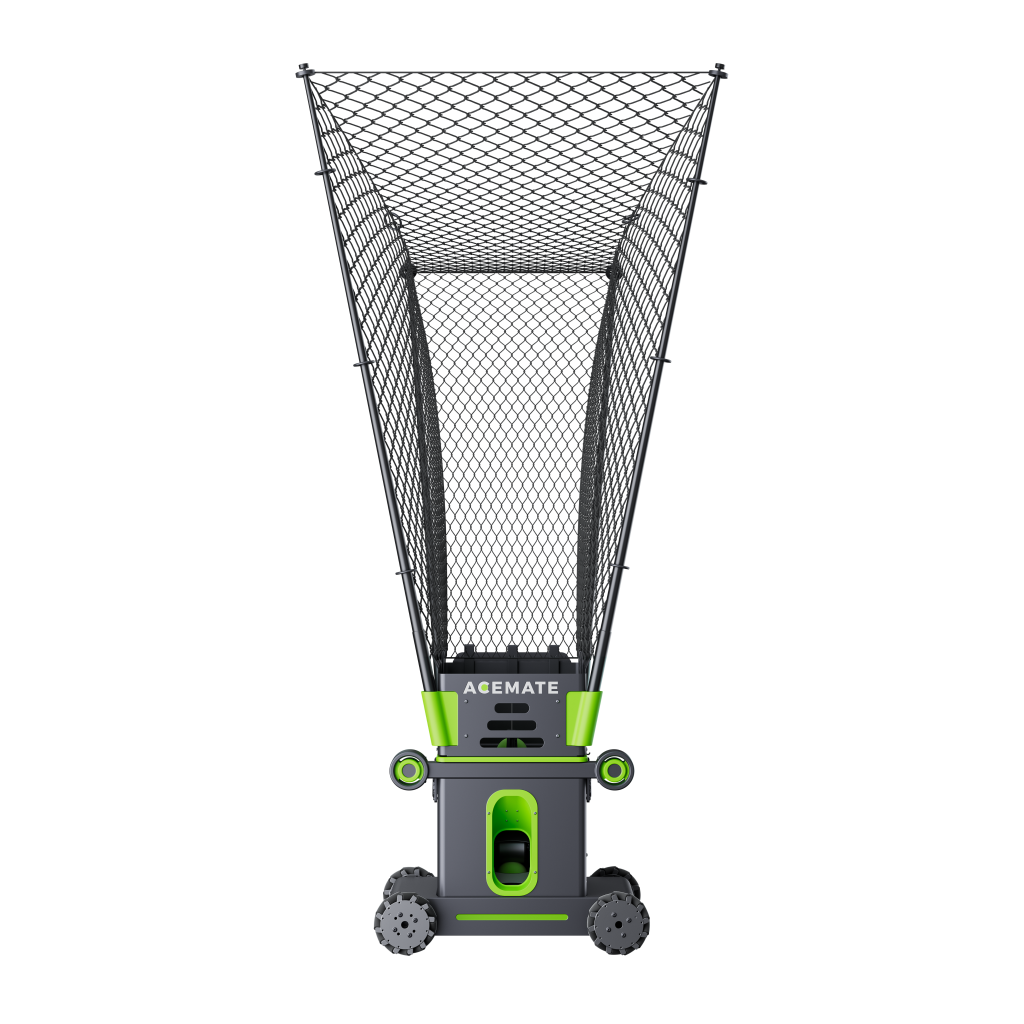
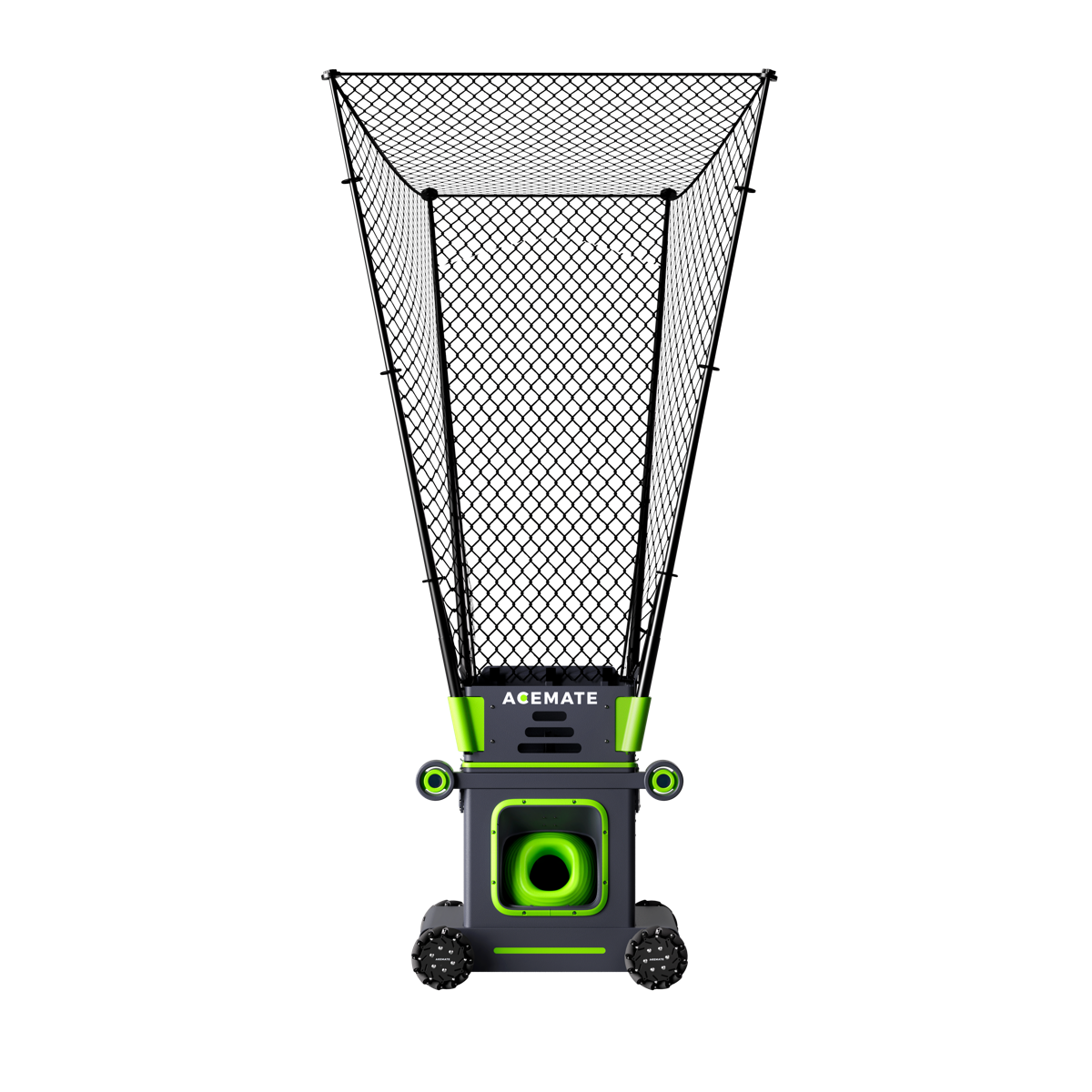
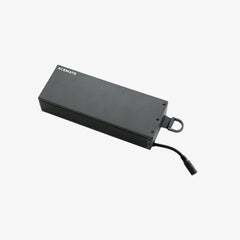
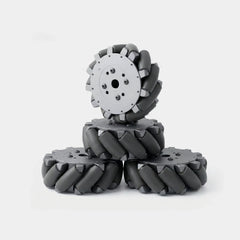

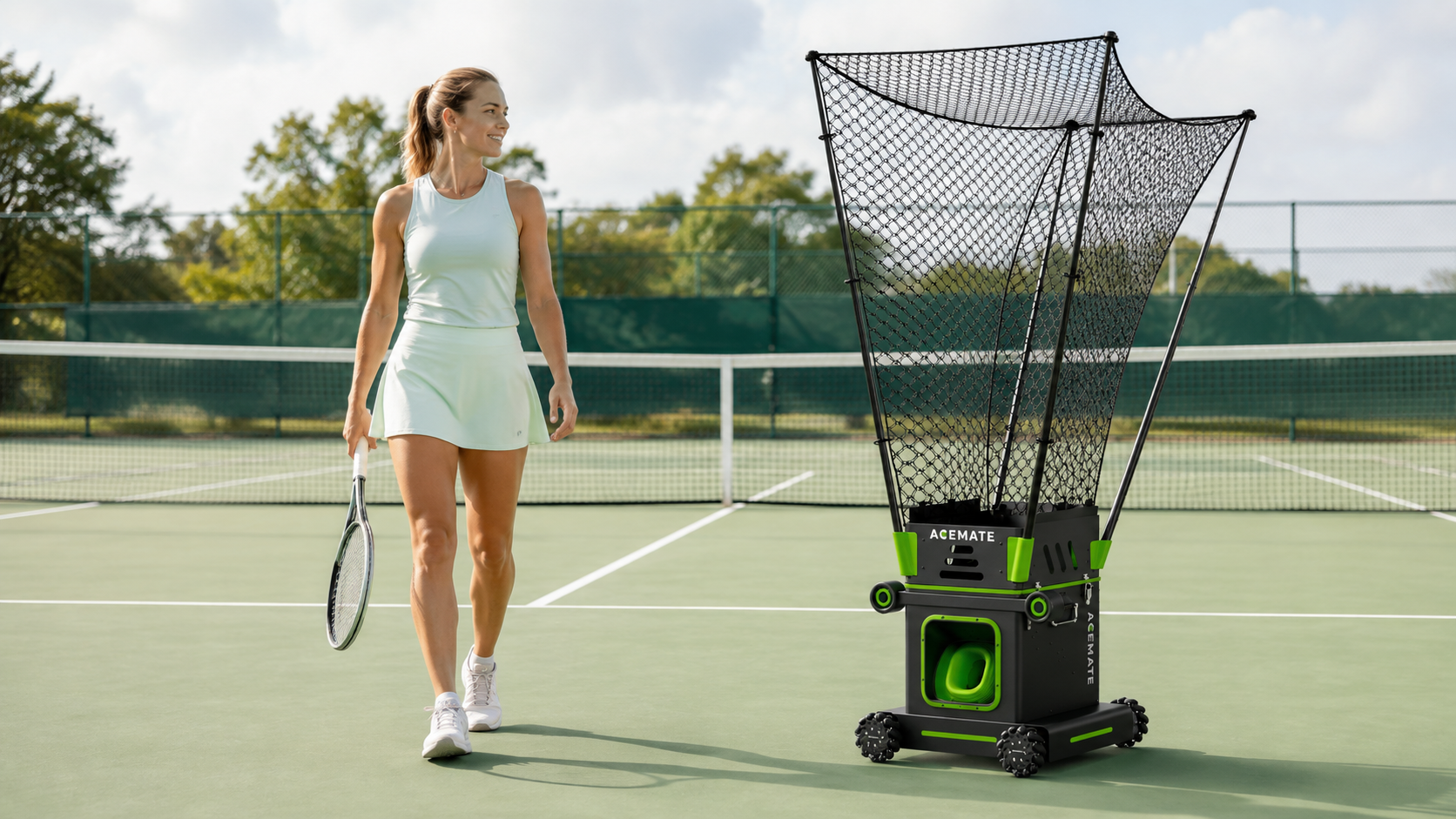

Start an Acemate S10 order with the standard package, then add accessories only for a defined need. The product page lists the robot, one battery and a portable charger, with a one-year international warranty. Confirm the exact order contents and applicable terms for your selected market before paying.
- Separate the base package from gifts. A temporary offer is not a permanent inclusion.
- Confirm compatibility. Check the selected plug and any accessory against S10.
- Buy for a known session. Additional equipment should solve a specific ownership requirement.
Read the package before adding accessories
The short product-page list and the assembly manual serve different purposes. The former summarises the offer. The latter explains the components used to assemble and operate the robot. Use both when checking what should arrive.
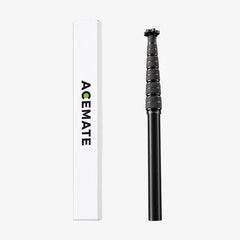
Do not add a replacement component simply because it appears beside the robot in an accessories collection. First establish whether it is already supplied and what problem an additional unit would solve.
| Item or requirement | Purchase decision |
|---|---|
| Robot, battery and portable charger | Confirm these standard listed items on the order |
| Extra battery | Consider only if the intended schedule needs it; check any current gift before adding another |
| Tennis balls | Needed for practice; not named in the short standard-package list. Confirm any bundle inclusion and supported types |
| Phone or tablet | Required by the setup manual; plan to use your own compatible device |
| Replacement parts | Buy for an identified need and confirmed compatibility |
| Optional extended coverage | Read its scope and exclusions separately from the included warranty |

Package-planning categories; gifts and available options depend on the actual order.
Confirm the device and plug you will use
The official S10 manual requires a compatible smartphone or tablet, the Acemate app and an account. Check that preparation before delivery. An app download alone does not confirm that every device or operating-system version is supported.
Choose the plug option that matches the destination and your requirements. If the checkout option is unclear, ask Acemate support before placing the order. Do not treat a plug shape as proof of every electrical compatibility detail.
The official setup page links the S10 manual and app downloads. Keep those instructions available for first setup rather than treating an unboxing video as the complete operating guide.
Add a battery for a schedule, not a headline
An extra battery deserves consideration when your planned use cannot comfortably accommodate charging. First describe the modes, session length and breaks you expect. Ask about the battery configuration suitable for that schedule.
Runtime depends on the way you use the robot. Describe your intended sessions to Acemate before deciding whether to add a battery. Do not plan consecutive bookings by simply multiplying a maximum runtime figure.
Also check the live order for temporary bundled extras. A gift may make an additional purchase unnecessary, but it should not be assumed outside the offer's terms. The official accessories collection is a starting point for checking current options, not a list of required additions.
Build one complete checkout checklist
Record the selected model, plug, included items, optional items and destination. Request clarification of anything that remains ambiguous. Review the shipping and return policies linked from the product page before committing.
For example, a buyer planning occasional independent practice may have different accessory needs from someone arranging consecutive sessions. Let the planned schedule decide what to add. Avoid buying spares solely to make the order feel complete.
The choice comes down to this
A well-specified S10 order gives you the equipment you need without assuming every accessory is essential. Verify the standard contents, device requirements and selected options, then add extras for a specific use.
FAQ
Do I need to buy a battery separately with S10?
The standard product-page package lists one battery. Confirm your selected order and distinguish the standard battery from any temporary extra gift.
Are tennis balls definitely included?
Do not assume that from this guide. Ask whether your chosen package includes balls and confirm suitable types before buying them separately.
Is every accessory required to start using S10?
No. Evaluate each optional item against a specific need and the contents already included in your order.
