



Choose a tennis ball machine by what its controls let you do during practice. For Acemate S10 PRO, app-based shot settings and drill sequences are relevant if you want to configure sessions in detail. If you mainly need to start and stop a familiar feed, assess that simpler task directly.
“App-controlled” and “remote-controlled” are not mutually exclusive product categories. Some machines support both. The useful comparison is between control functions, not between a phone and a button.
- Separate programming from operation. Building a drill and pausing it are different tasks.
- Check the exact model. Control options may differ across versions and packages.
- Try your intended workflow. Confirm that it works with your compatible device and court routine.
Quick Verdict
Choose S10 PRO when you want to configure individual deliveries and use those controls within a system that also supports rally interaction. If you only need start/stop, evaluate that simpler requirement before paying for extensive programming.
| Model | Published control options | Confirmed use | Configuration boundary |
|---|---|---|---|
| Acemate S10 PRO | App, watch and gesture control | App configuration of individual shots and sequential/random feeds; remote session control | Exact device requirements and function availability need compatible hardware; offline independence is not established here |
| Spinshot Plus-2 HS | App, panel, optional remote watch | Custom drills and panel access to oscillation/drills | Watch inclusion depends on the selected package |
| Spinfire Pro 2 | App and remote | Programmable drills and remote operation, including single-ball firing | Check the version and package being quoted |
| Slinger Tennis Launcher | Remote plus physical setting adjustments | Remote launcher/oscillator start and stop | Oscillator inclusion depends on the package |
Sources: official product and support pages below. “Remote” can describe a control method with very different functions across machines.
1. Choose functions before choosing an interface
Think through a normal session. You prepare a drill, start it, pause to collect balls or adjust the task, and then continue. Different controls may support different parts of that sequence.
A remote may provide only a small number of functions, or it may control many settings. An app may support detailed programming, but its presence alone does not establish the quality of the drill or the ease of use.
For S10 PRO, the published app capability includes adjustment of shot settings, landing points and drill sequences. Those functions matter when they support an exercise you want to build. Ask to see that exercise rather than buying from an interface screenshot.
2. Avoid a false choice between “smart” and “basic”
The official Spinfire Pro 2 page lists both an app and a remote with broad control functions. Spinshot Plus-2 HS lists app control, a panel and an optional watch configuration. Slinger's support material describes remote operation of its launcher and oscillator.
These examples show why the category labels are insufficient. They do not establish that all remotes are basic or that all apps are necessary for every task.
S10 PRO's buying case should therefore connect app-configurable practice with the overall training system you want. Its app is part of the decision, alongside the distinction between programmed feeding and interactive rally practice.

Control functions serve different jobs; availability depends on the compatible device and configuration.
3. Understand S10 PRO's documented control workflow
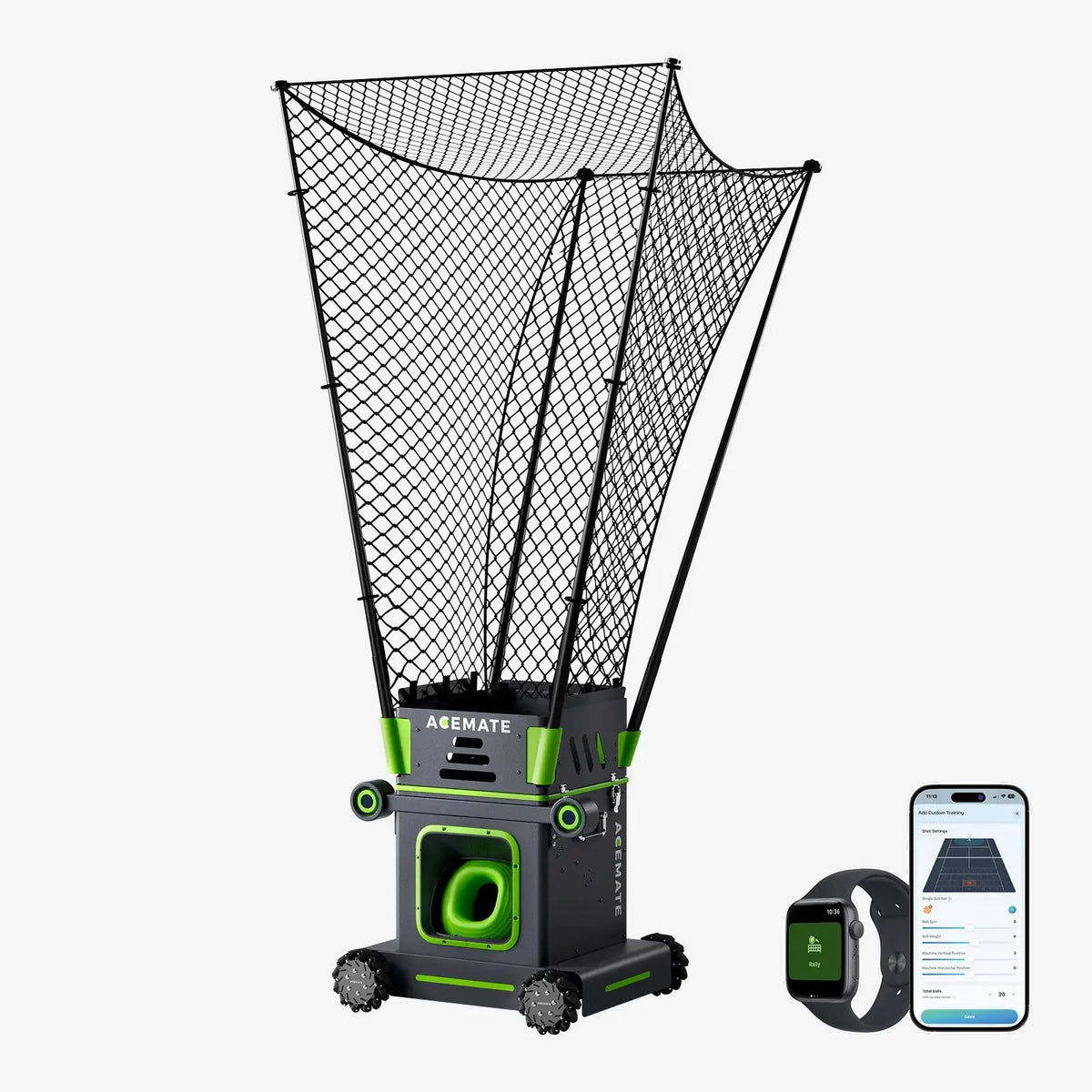
In the Acemate App, the court view lets you position targets and adjust each ball's placement, speed, trajectory and spin. You can select sequential or random feeds and control the drill from the App. That gives the controls a concrete role in building a session.
The official page also lists phone, watch and gesture control for starting, pausing and adjusting training. It names iOS, Android, iPad, Apple Watch and Wear OS among the supported device categories. This is not a claim that every device, operating-system version or control surface offers every function.
For example, configure an exercise on the phone, then evaluate the remote pause method you intend to use on court. This is a suggested workflow to validate, not an assertion about unverified button sequences. The published page does not establish every offline or phone-free operating condition, so those specific requirements still merit confirmation.
For the broader training decision, consult the S10 PRO modes guide.

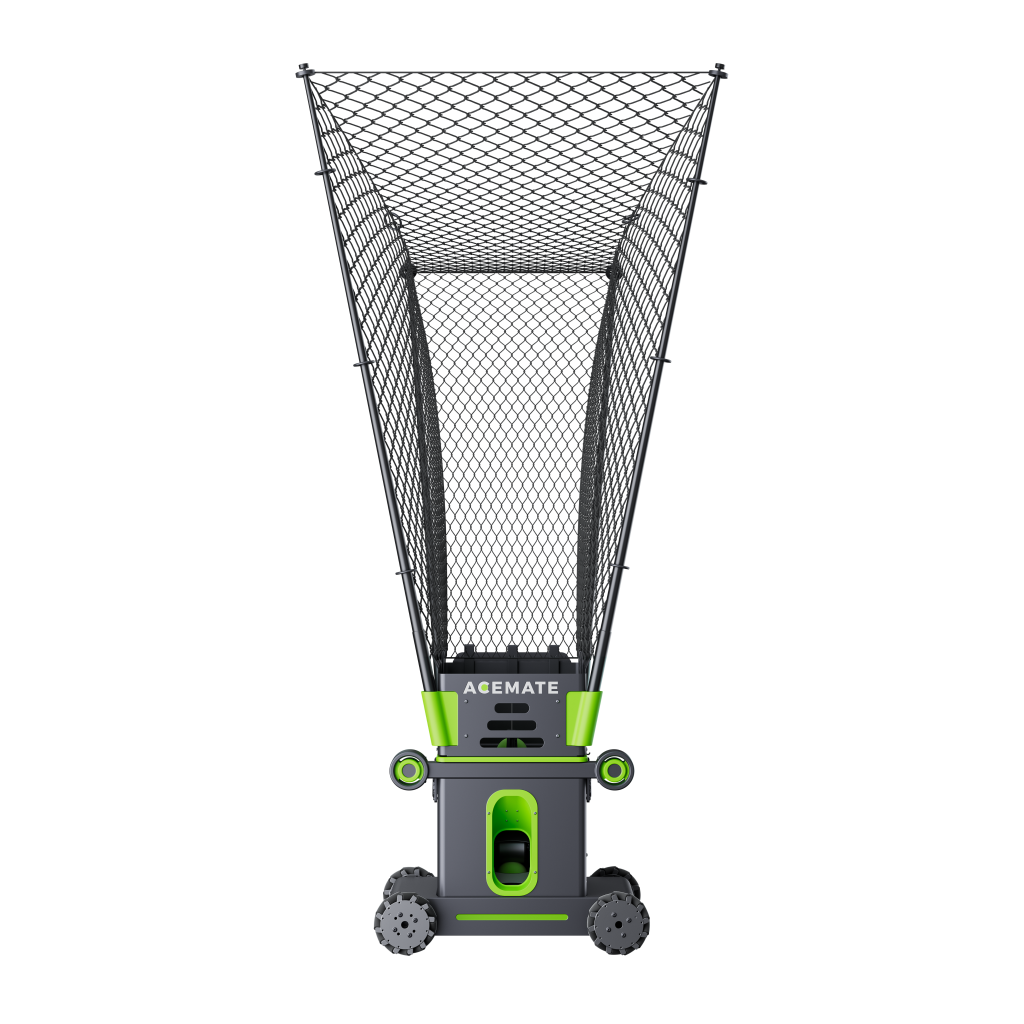
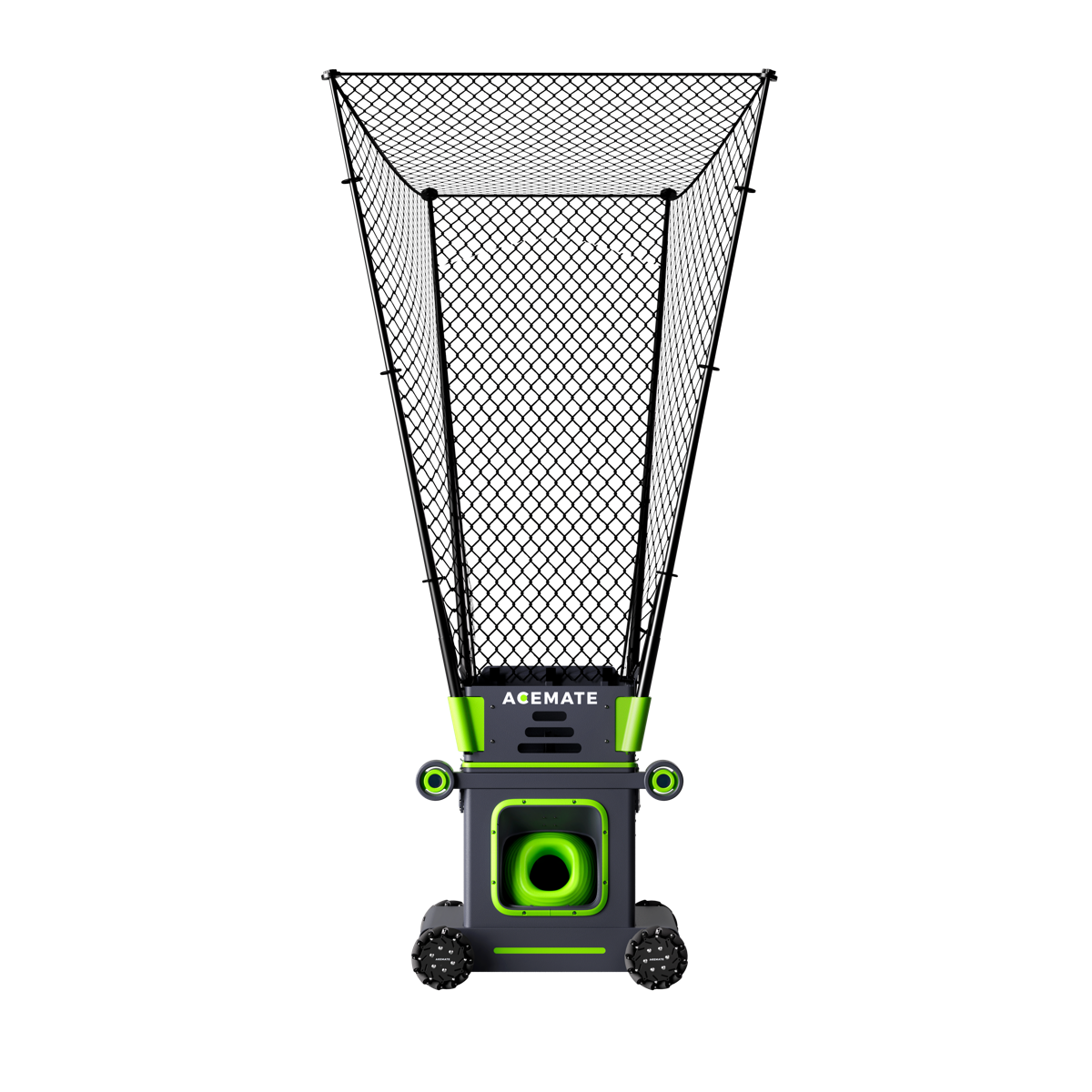
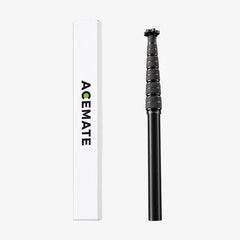
Official S10 PRO control illustration; shown here only because this article discusses control methods.
4. Connect control convenience to the purchase price
Detailed programming can justify spending more when you repeatedly use customised exercises. If your routine rarely changes, a simpler control requirement may be sufficient.
Compare the package you will receive. Clarify which controllers and accessories are included, which are optional and which functions depend on them. Where official pages conflict, request confirmation rather than assuming the more generous description applies.
Use the general buying guide to compare whole machines. If you are choosing within Acemate, the S10 and S10 PRO guide keeps controls in the context of model capability.
The choice comes down to this
Shortlist S10 PRO when you want configurable practice as part of a broader solo training system. Validate the controls against a drill you will actually repeat.
Do not pay a premium solely because a listing says “app.” Pay for the functions, compatibility and training options that make a difference to your routine.
For a practical next step, check Acemate demo locations and confirm which model the host offers. For a specific setup or delivered quotation, contact the Acemate team.
FAQ
Is an app always better than a remote?
No. The relevant question is which functions each provides. Some machines support both interfaces.
Does app control mean the machine responds to my shots?
No. Programming a feed and responding to an incoming return are separate capabilities. Confirm both if you need both.
Can I assume a machine works without a phone?
No. Ask which functions remain available without the phone for the exact model and configuration you are buying.
